
The following are the steps to Renewing Domain Product :
- Go to Domain Details page to your Customer deleted domain.
- Click Restore button in this page to start restoring domain.

- Give the check to given checkboxes :
- Send Restore Invoice Email : to send restore invoice email to your Customer
- Skip Invoice Payment : to skip invoice payment and the payment is paid by Reseller
and then click Generate Invoice button.
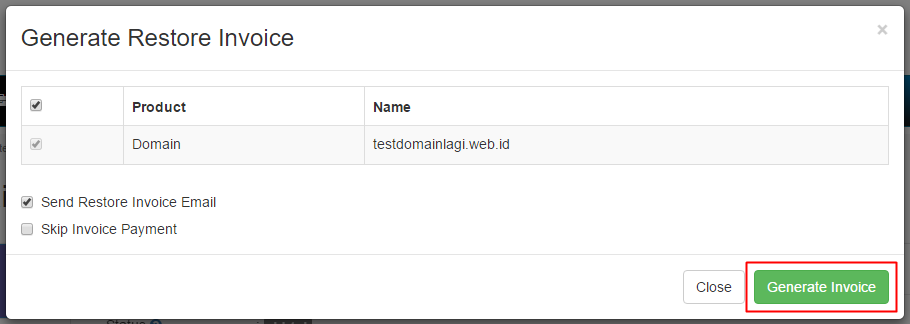
- If you do not skipping customer invoice payment, the invoice will be generated and you can see the invoice details by clicking Invoice ID in the invoice notification.

- You can wait until you customer paid this invoice.

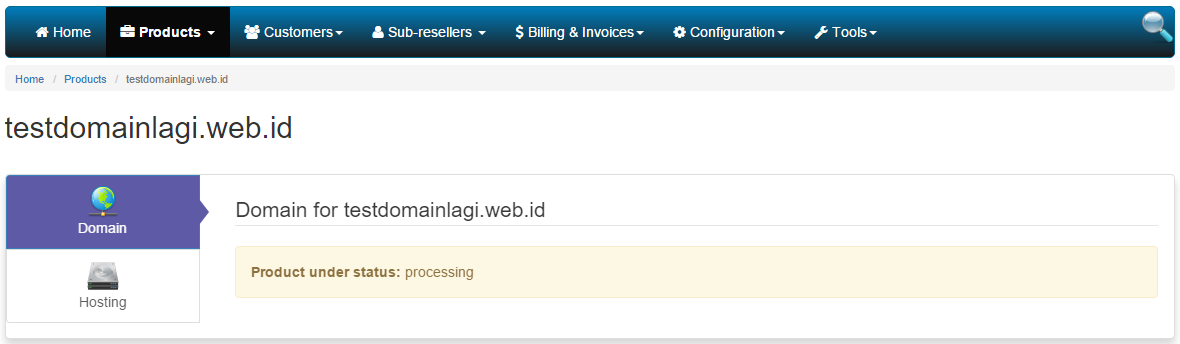
- If the invoice is paid, our system will processing and the domain status will be changed to processing.
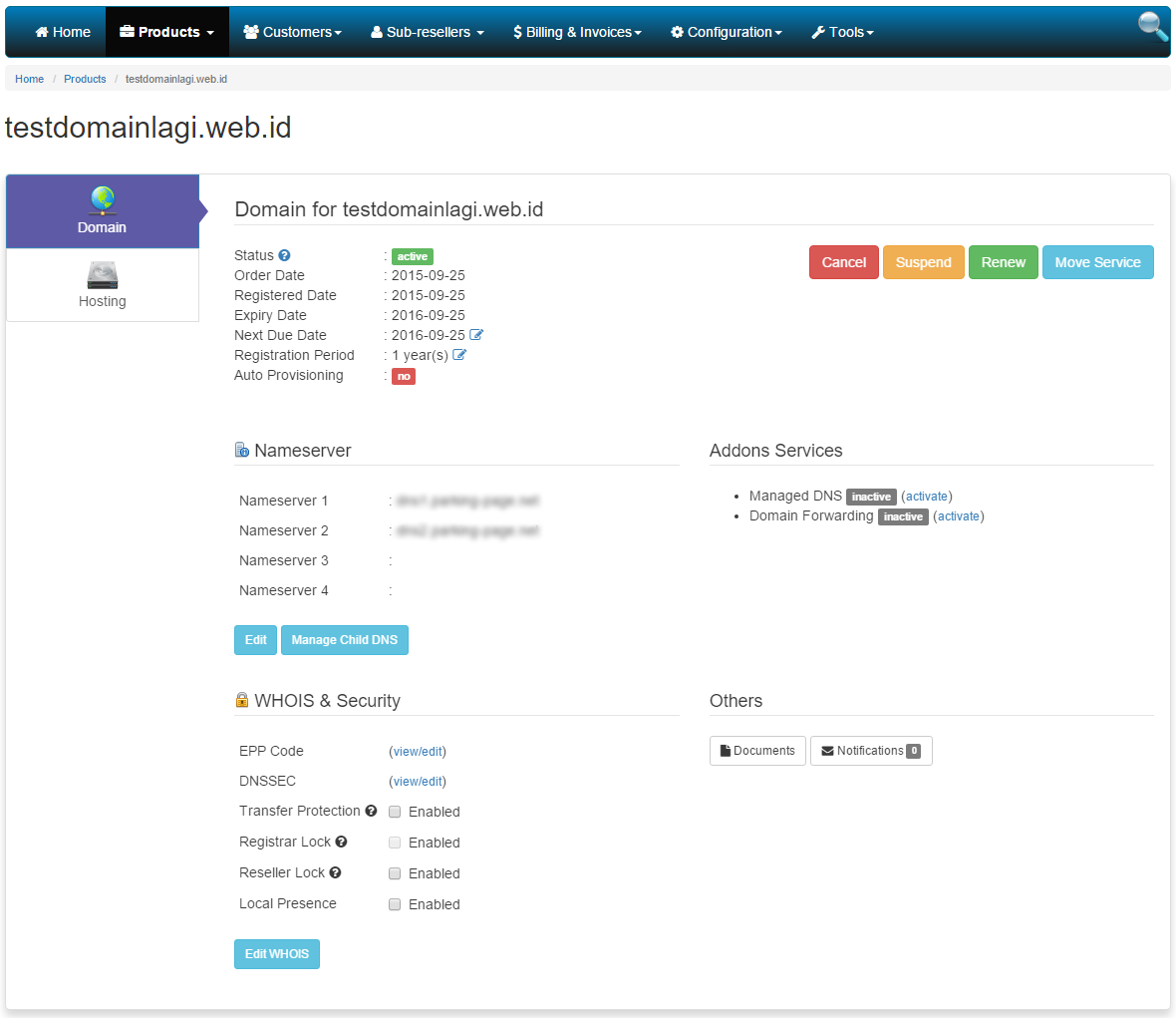
- If our system is done with the process, the domain will be restored and active as before.
- Finish.