
The following are the steps to Activate and Manage Domain Forwarding Addon :
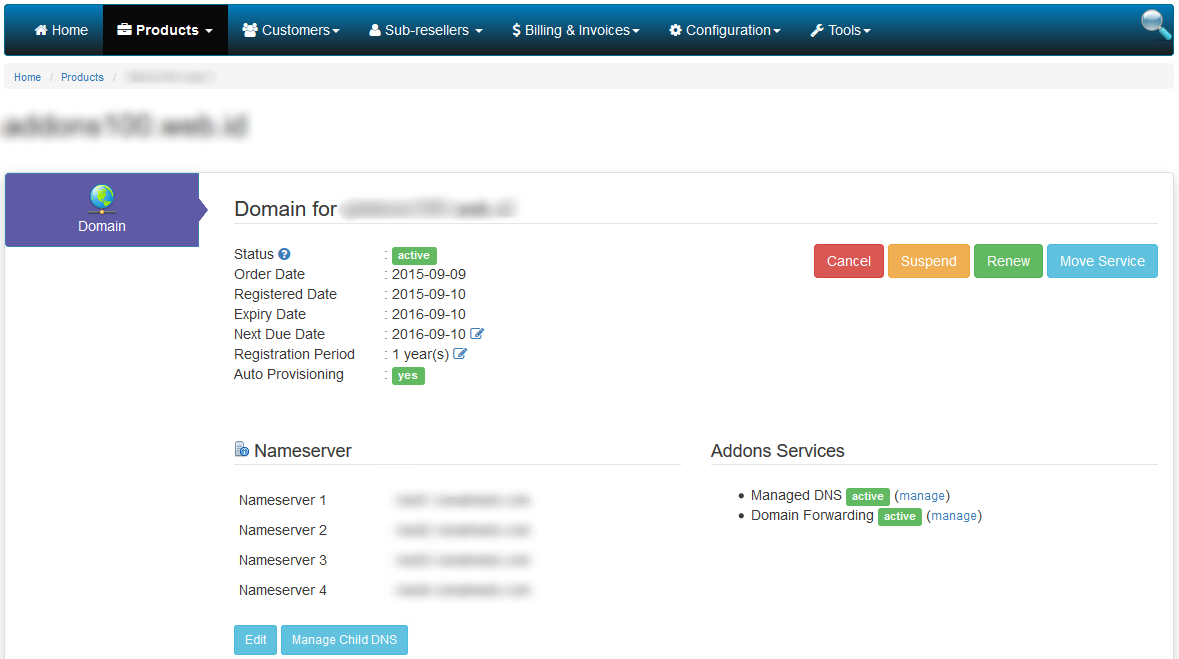
- Go to Domain Details page.
- If Domain Forwarding status is inactive, click (activate) button to order this addon product.

- Click Place Order button if you deal with the order summary, and then you must wait until this product is activated and the status changes to active.

- After the status is active, you will be able to manage this addon. Click (manage) button to start managing this addon.
- Complete all of the input form and then click Save button to create a domain forwarding.

- Finish.